Jitter Click Test
Jitter clicking speed test
The Jitter Click Test measures your CPS (Clicks Per Second) using the jitter clicking technique — a method where you tense your arm muscles to generate rapid vibrations that translate into fast mouse clicks. This jitter clicking speed test is widely used by Minecraft PvP players who want to achieve 12–20 CPS without an auto-clicker. Compared to a standard CPS test, jitter clicking requires more physical technique and should be practiced carefully.
How to Use
- 1Rest your hand naturally on your mouse
- 2Tense your arm and wrist muscles moderately — not your fingers alone
- 3Allow the vibration to drive the clicking motion
- 4Click start and maintain the tension for the full test duration
Jitter Click Progression: Week One to Mastery
Jitter clicking has the steepest learning curve of the three speed techniques, and the progression is predictable. Use this table to track where you are:
| CPS Range | Stage | Typical Timeline |
|---|---|---|
| 8-10 | First attempts, vibration not yet consistent | Day 1 |
| 10-14 | Technique forming, short bursts only | Week 1-2 |
| 14-18 | Sustained vibration across full 10 seconds | Month 1-2 |
| 18-20+ | Elite, requires refined tension control | Months of practice |
Grip and Posture Make or Break the Technique
The vibration has to come from your forearm, travel through a locked wrist, and exit through a stiff finger resting on the button. Any loose joint in that chain absorbs the shake before it reaches the mouse. Most failed jitter attempts trace back to a bent, relaxed wrist.
Claw grip suits the technique better than palm grip because your fingertip contacts the button at a steeper angle, transferring vibration more directly. Plant your forearm on the desk edge, raise your palm slightly off the mouse back, and let only your fingertip and thumb-side grip touch the shell. If your whole mouse shakes across the pad, you are pressing down too hard.
What is a Good Score?
Beginner jitter clickers typically achieve 10–14 CPS in this test. With practice, 14–20 CPS is achievable. Anything above 18 CPS sustained in a 10-second jitter click test is considered excellent. Most users who are new to the technique start around 8–10 CPS before improving.
Tips to Improve
- →Do NOT jitter click for more than 30 seconds at a time — it can cause wrist strain
- →Keep the tension in your forearm, not your wrist — forearm jitter is smoother and safer
- →A heavier mouse gives more stable vibration than a light one
- →Take breaks between attempts to prevent repetitive strain injury
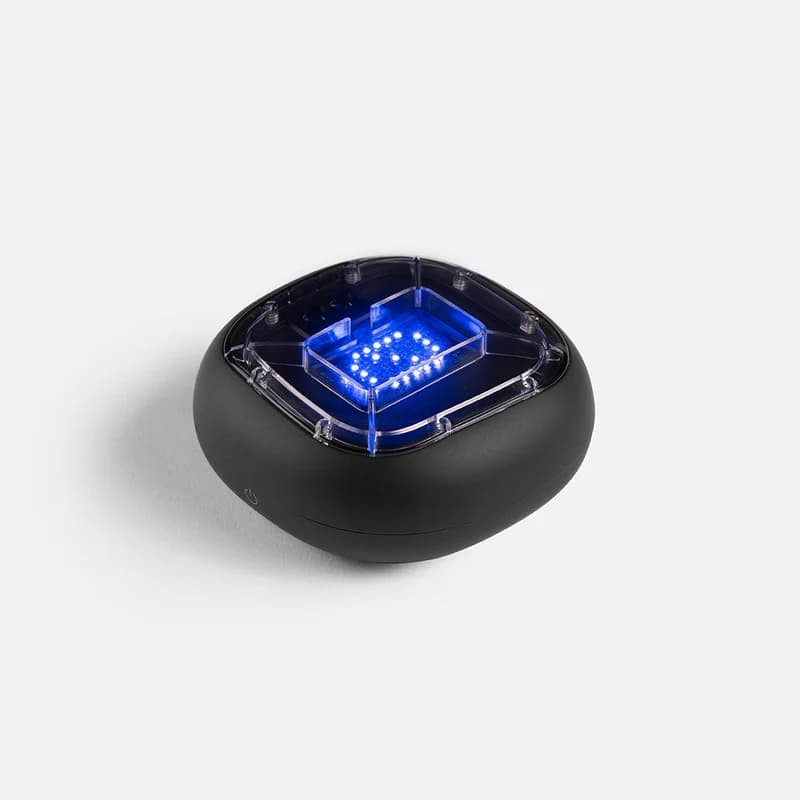
Physical training with A-Champs ROX sensors develops reaction speed faster than screen-only drills. Affiliate link — we may earn a commission at no extra cost to you.
Frequently Asked Questions
Is jitter clicking bad for your health?
Extended jitter clicking can strain tendons and cause conditions like carpal tunnel syndrome. Limit sessions to under 30 seconds and take regular breaks. Do not jitter click if you feel pain.
Will Minecraft servers ban you for jitter clicking?
Usually not, since it is a physical technique rather than software assistance. The caveat is CPS caps: many servers auto-flag anything above roughly 20 CPS, so elite jitter clickers can occasionally trip anti-cheat thresholds meant for auto-clickers.
What CPS can you reach with jitter clicking?
Experienced jitter clickers consistently reach 14–20 CPS. Some claim higher numbers but sustaining above 20 CPS with jitter technique is very difficult without auto-clicker assistance.
Jitter clicking vs butterfly clicking — which gives higher CPS?
Butterfly clicking (two fingers alternating) often edges out jitter clicking in raw CPS, reaching 15–25 CPS vs jitter's 12–20 CPS. However, jitter clicking feels more natural to some players and stresses the mouse less.
Got the vibration going? Test it for real above and see which stage of the progression you have reached.
Also Try
Built and maintained by Abdul Shakoor. Every test runs locally in your browser, free with no signup.