Drag Click Test
Drag clicking technique test
Drag clicking is a mouse technique where you press and drag your finger across the mouse button in a single motion, causing friction-based micro-vibrations that register as multiple rapid clicks. The Drag Click Test measures how many clicks you generate with this method and your resulting CPS score. Unlike jitter clicking (which uses muscle tension) or butterfly clicking (which uses two fingers alternating), drag clicking relies entirely on the physical interaction between your fingertip and the button surface. Not all mice support drag clicking — only models with smooth button surfaces and compatible switch designs will register multiple clicks per drag. This technique produces the highest possible CPS of any clicking method, but requires mouse compatibility and risks hardware wear.
How to Use
- 1Place your finger at the back of the left mouse button
- 2Press down and drag forward in one smooth motion
- 3The friction should trigger multiple click registrations
- 4Practice the angle and pressure — too light registers nothing, too hard stalls the button
Why Some Mice Refuse to Drag Click
Two things decide whether your mouse can drag click at all. The first is the button surface: a glossy or rubberized coating kills the friction the technique depends on, while a matte, slightly grippy shell lets your fingertip skip across it and hammer the switch. The second is firmware debounce. Manufacturers program a delay that ignores rapid repeat signals to prevent accidental double clicks, and an aggressive debounce filter swallows most of the clicks a drag generates.
This is why the same drag motion can produce 40 CPS on one mouse and 3 CPS on another. Players often add grip tape to the button to increase friction, which is the most common and cheapest compatibility mod.
Drag Click Numbers in Context
| CPS From One Drag | What It Means |
|---|---|
| Under 10 | Mouse likely not compatible, or motion too slow |
| 15-25 | Technique landing, beginner range |
| 25-35 | Solid drag click on a compatible mouse |
| 35-50+ | Advanced, near the practical ceiling |
Remember that most multiplayer servers flag sustained CPS above 20-25 as suspicious. Treat big drag numbers as a hardware benchmark, not something to take into ranked play.
What is a Good Score?
Successful drag clicks can achieve 25–50+ CPS in a single motion. Most beginners generate 15–25 CPS. The technique depends heavily on mouse model compatibility.
Tips to Improve
- →Dry or slightly textured fingertips work best — sweaty fingers reduce friction
- →Not all mice support drag clicking — models with PTFE or slick buttons work best (e.g., Glorious Model O, Razer DeathAdder)
- →Practice on a 1-second test first to get the motion consistent before longer durations
- →Some servers detect and ban drag clicking via CPS caps — check server rules first
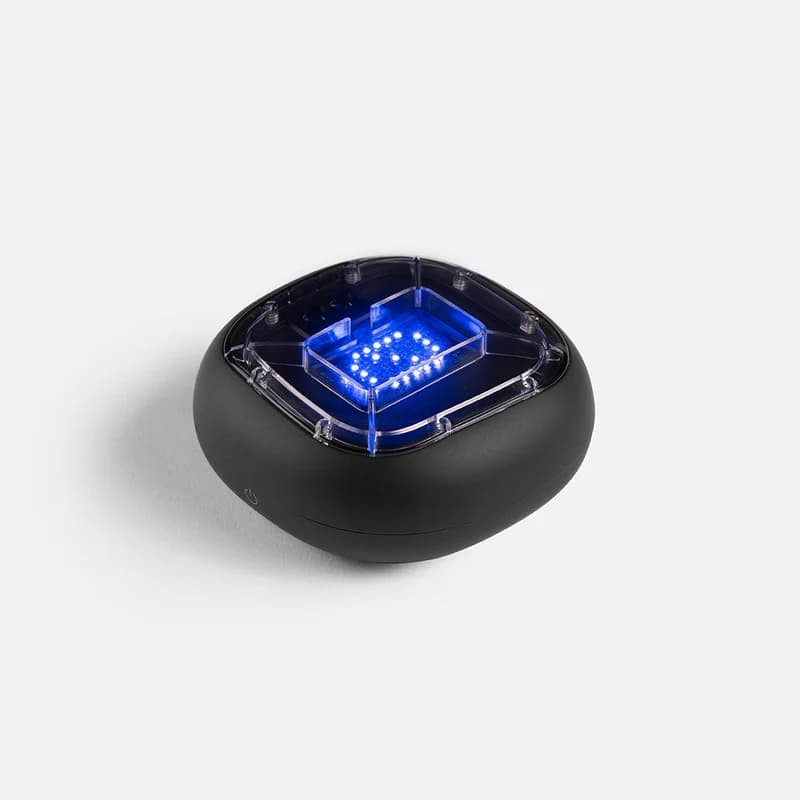
Physical training with A-Champs ROX sensors develops reaction speed faster than screen-only drills. Affiliate link — we may earn a commission at no extra cost to you.
Frequently Asked Questions
Does drag clicking damage your mouse?
Yes, drag clicking accelerates wear on the mouse switch. It can void warranties and shorten mouse lifespan. Use a mouse you are willing to replace if you drag click regularly.
What mice are best for drag clicking?
Mice with Omron switches and smooth button surfaces work best. Popular choices include the Razer DeathAdder V2, Glorious Model O, and Roccat Burst Core.
Can drag clicking get you banned in games?
Yes. Many Minecraft servers and other competitive games detect unnaturally high CPS (often 25+ CPS) and trigger anti-cheat bans. Always check server rules before using drag clicking in a multiplayer context. Drag clicking is typically only safe in practice servers or single-player environments.
Wondering if your mouse is one of the compatible ones? A single drag on the test above settles it instantly.
Also Try
Built and maintained by Abdul Shakoor. Every test runs locally in your browser, free with no signup.