Double Click Test
Measure your double click speed
The Double Click Test measures your double click speed, showing how quickly you can click your mouse twice in rapid succession and displaying the gap between clicks in milliseconds. Use this free double click speed test to check your mouse double-click sensitivity setting in Windows or macOS, benchmark your double-click CPS, or diagnose whether your mouse is registering unintended double-clicks (a common hardware fault).
How to Use
- 1Click the test area once to start
- 2Double-click as fast as you can to register speed
- 3The test shows milliseconds between your clicks
- 4Adjust your OS double-click speed in mouse settings if results seem off
Reading Your Click Gap in Milliseconds
The number that matters here is the gap between your two clicks. Smaller is faster, and the tiers look like this:
| Gap Between Clicks | Rating |
|---|---|
| Under 80ms | Exceptional, top-tier finger control |
| 80-150ms | Fast, competitive gamer territory |
| 150-300ms | Average everyday user |
| 300-500ms | Slow but still registers as a double click |
| Over 500ms | Reads as two separate clicks on default Windows settings |
The Accidental Double Click Problem
If files keep opening when you only meant to select them, your mouse switch is probably failing. Inside every mouse button sits a tiny metal contact that physically bounces when pressed. New switches filter that bounce out with a debounce delay. As the switch ages, the bounce gets bigger than the filter, and one press starts registering as two.
Run this test a dozen times and watch the pattern. If double clicks appear when you made a single deliberate click, the switch is worn and the problem will only get worse. Some mice let you raise the debounce time in their software as a temporary patch, but a failing switch eventually needs a replacement mouse or a soldering iron.
Where the 500-Millisecond Limit Comes From
That 500ms cutoff is not a law of nature, it is a value your operating system ships with. Windows exposes it as a setting it literally calls the double-click time, defaulting to 500 milliseconds, and any two clicks closer together than that get bundled into one double-click event. Click slower than the window and the OS hands the program two separate single clicks instead.
You can move that line yourself, and it is worth knowing why you might. Drag the slider toward fast and a worn mouse that fires accidental doubles starts registering them as two clicks again, which can buy a dying mouse a few more weeks. Drag it toward slow and people with limited hand mobility get a more forgiving window, which is exactly why it sits in the accessibility-adjacent mouse settings. The practical move: run this test, note your natural gap, then set your system threshold a comfortable margin above it so your real double-clicks always land while stray ones do not.
What is a Good Score?
A fast double-click registers in under 150ms between the two clicks. The Windows default double-click threshold is 500ms. Competitive mouse users can double-click in 80–120ms consistently. If your double-click test shows gaps above 500ms, you may need to adjust your system's double-click sensitivity.
Tips to Improve
- →Lower your OS double-click speed threshold to require faster clicks in normal use
- →A mouse with tactile feedback helps you feel each click and time the second one better
- →Double-click from the first knuckle of your index finger for the shortest travel path
- →Practice the "snap" technique — tense your finger briefly for a controlled fast second click
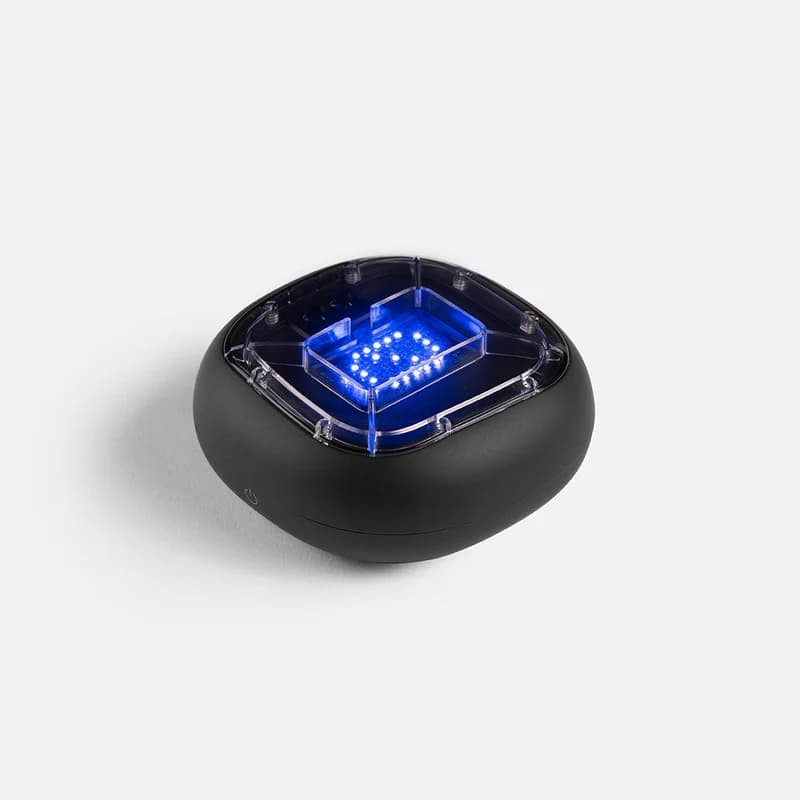
Physical training with A-Champs ROX sensors develops reaction speed faster than screen-only drills. Affiliate link — we may earn a commission at no extra cost to you.
Frequently Asked Questions
What is double-click speed in ms?
Double-click speed refers to the maximum time allowed between two clicks for the OS to register them as a double-click. Windows default is 500ms. Fast users can achieve under 150ms in a double-click test.
My mouse keeps double-clicking by accident — why?
This is called "double-click glitch" and is a common hardware fault where the switch registers two signals from one physical click. Use this double-click test to confirm the issue before replacing the mouse.
How do I fix my mouse double-click speed?
In Windows, go to Settings > Bluetooth & devices > Mouse > Additional mouse settings and adjust the double-click speed slider. On macOS, go to System Settings > Mouse and adjust tracking/clicking options.
What is a normal double-click speed in milliseconds?
Most people double-click with a gap of 150 to 300 milliseconds between the two clicks, comfortably inside the 500ms default window every operating system uses. Under 150ms is fast, gamer-level finger control. If your natural gap creeps above 400ms, raising your system double-click time a little stops the OS from splitting your double-clicks into two single clicks.
Suspect a worn switch or just want your fastest gap? The test above gives you the answer in milliseconds.
Also Try
Built and maintained by Abdul Shakoor. Every test runs locally in your browser, free with no signup.