Right Click Speed Test
Right click CPS counter
The Right Click Speed Test measures how many times per second you can click your mouse's right button, displaying your right-click CPS (Clicks Per Second). It tests your ring finger speed and is useful for games that use right-click for aiming, blocking, or special actions. In Minecraft, fast right-click speed improves block-placing and bridging speed. In first-person shooters, the right button controls aim-down-sights (ADS), making a responsive ring finger valuable for fast target acquisition. Because the ring finger shares tendons with the middle and pinky fingers, most people achieve lower right-click CPS than left-click — but this gap narrows significantly with targeted practice.
How to Use
- 1Select your test duration
- 2Right-click the test area to begin
- 3Keep right-clicking as fast as you can
- 4Your right-click CPS appears when time runs out
Right Click CPS: Realistic Expectations
Do not compare your right-click number to your left-click number and feel bad. Almost nobody matches the two. The benchmarks below reflect that reality:
| Right-Click CPS | Level |
|---|---|
| 3-4 | Below average, untrained ring finger |
| 4-6 | Average for most players |
| 7-9 | Trained, regular practice |
| 10+ | Exceptional, rare without technique tricks |
Where Fast Right Clicking Actually Pays Off
Minecraft bridging is the big one. Techniques like speed bridging and godbridging are gated almost entirely by how fast you can place blocks, and block placement lives on the right button. A player stuck at 4 right-click CPS physically cannot godbridge, no matter how good their timing is, because the technique demands placements faster than that.
Outside Minecraft, think of every game where you spam an ability or repeatedly aim-toggle. Building up your ring finger from 4 to 7 CPS is one of the few hand-speed gains that comes quickly, because the finger starts so undertrained that even a week of short daily bursts shows on the counter.
The Anatomy Working Against Your Ring Finger
There is a physical reason your right-click number lags your left, and it is not weakness, it is wiring. Your ring finger is tethered to its neighbors by bands of connective tissue linking the tendons on the back of your hand, called the juncturae tendinum. Lay your hand flat and try to lift only the ring finger while the others stay down. Notice how little independent travel it has. That same tether limits how fast it can fire in isolation on a mouse button.
This is also why the early gains come fast. The ring finger is rarely asked to work alone in daily life, so it starts badly undertrained rather than badly built. Short, deliberate right-click bursts teach the muscles to recruit it independently, and most people climb from four to seven CPS inside a week or two before the curve flattens. After that the tendon anatomy sets a genuine ceiling that no amount of grinding fully removes, so do not be discouraged when progress stalls.
What is a Good Score?
Most people achieve 4–6 right-click CPS since the ring finger is weaker than the index finger. Trained users can reach 7–9 right-click CPS.
Tips to Improve
- →Strengthen your ring finger with daily tapping exercises on a hard surface
- →Use a mouse that fits your hand — the right button should sit naturally under your ring finger without stretching
- →Keep your wrist still and use only your finger for the clicking motion
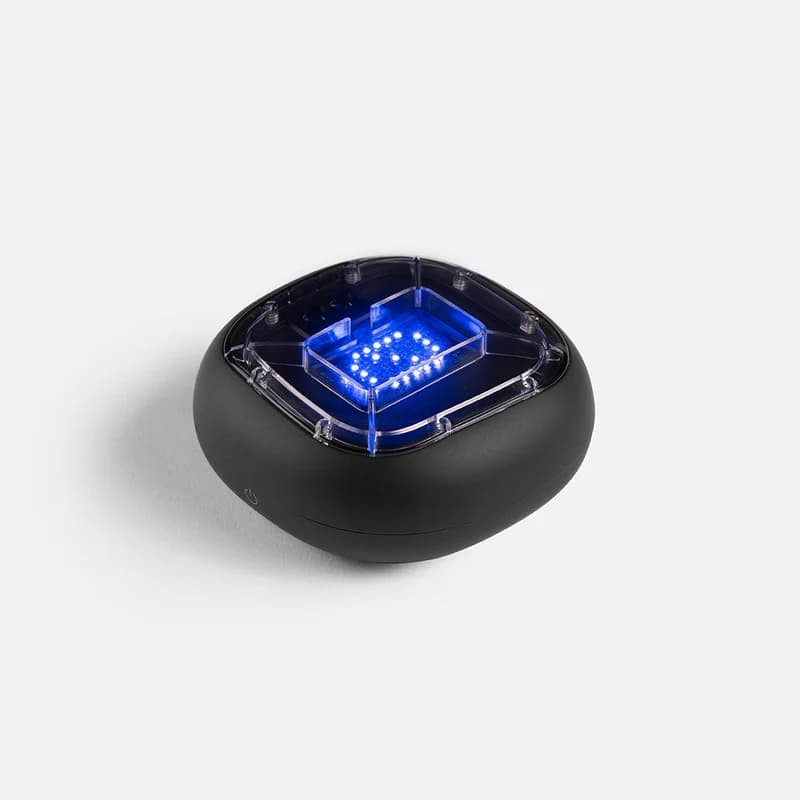
Physical training with A-Champs ROX sensors develops reaction speed faster than screen-only drills. Affiliate link — we may earn a commission at no extra cost to you.
Frequently Asked Questions
Is right-click speed important for gaming?
In games like Minecraft, right-click is used for placing blocks, and high right-click CPS improves bridging speed. In shooters, right-click is often the aim-down-sights control where consistent speed matters.
Why is right-click CPS lower than left-click?
The ring finger has less independent dexterity than the index finger due to shared tendons. With practice the gap narrows, but most people are naturally slower on the right button.
How do I increase my right-click speed?
Targeted ring-finger exercises help: tap the ring finger independently on a hard surface for 30 seconds daily, and practice right-clicking in 5-second bursts with deliberate focus on reducing travel distance. A mouse with a lighter right-button actuation force also helps significantly.
Why can I right-click faster on some mice than others?
Right-button actuation force and travel vary a lot between mice. A lighter, crisper right switch lets your weaker ring finger trigger it with less effort, so your CPS climbs without any change in your hand. If your right-click score feels capped, testing on a mouse with lighter switches often unlocks a noticeable jump.
Your ring finger is probably better than you think. Run the right click test above and check it against the table.
Also Try
Built and maintained by Abdul Shakoor. Every test runs locally in your browser, free with no signup.